Protractor & Angle Finder
Measure any angle, from a miter cut to a roof.
What it does
Protractor & Angle Finder puts four measuring tools in one app, built like a pro tool: one big number you can read from a distance, large controls and a clean dark or light design.
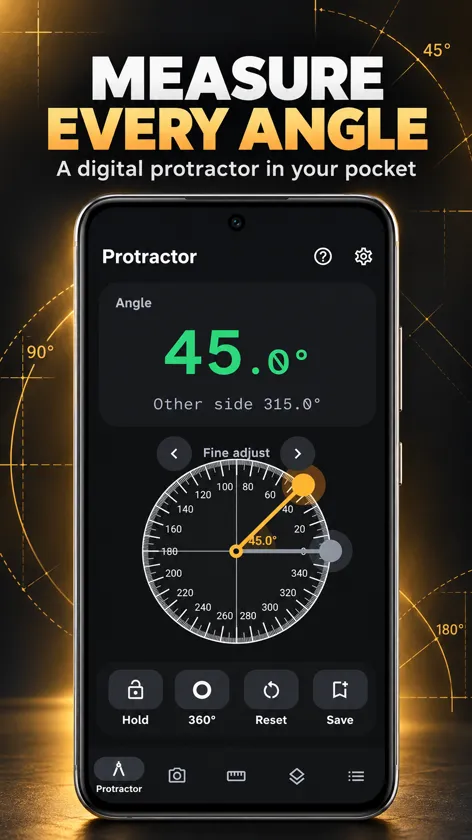
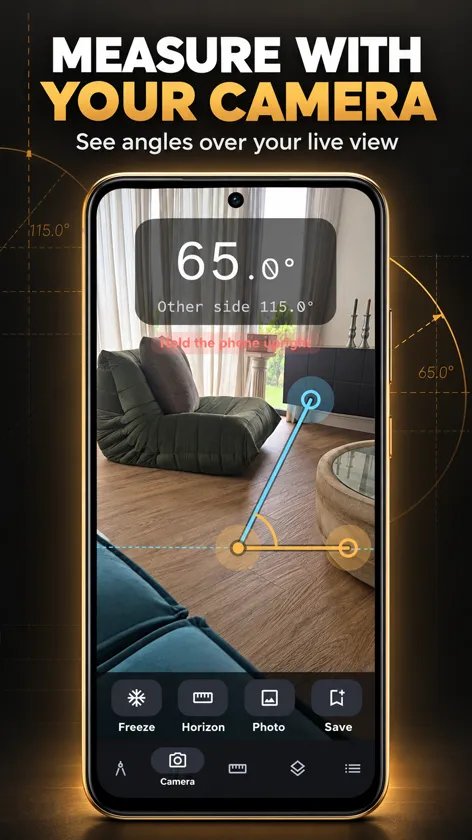
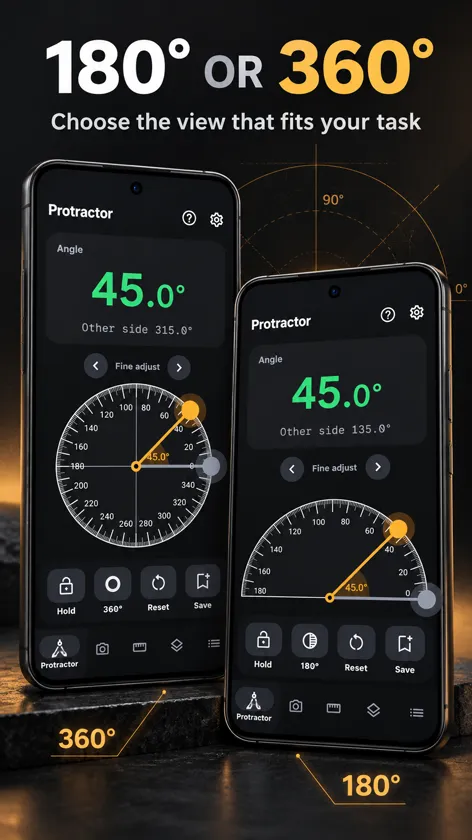
Lay small objects on the 180° or 360° on-screen protractor and drag the arm, with snapping to common angles and 0.1° fine adjust. Point the camera at a roof, a stair or a joint and drag two lines to measure it, freeze the image to measure calmly with a magnifier, and save a photo with the angle and date drawn on it.
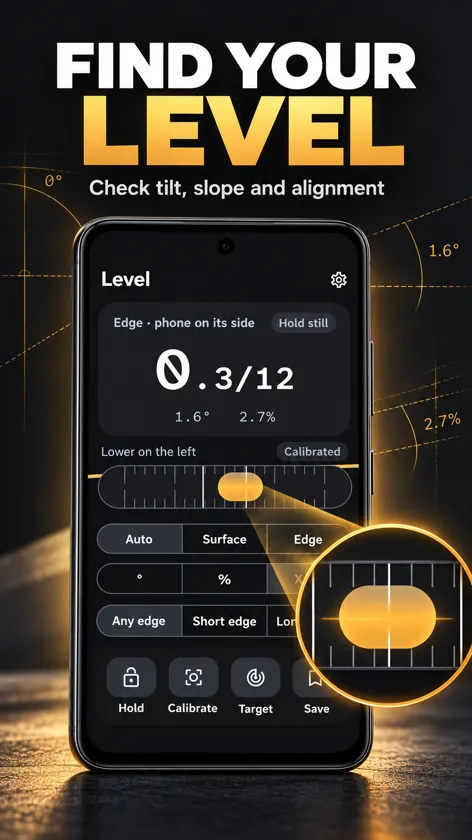
The level reads tilt in degrees, percent grade and US roof pitch (X/12), lying flat (bubble) or on its edge (tube). Two-step calibration removes your phone's sensor error, even on a surface that is not perfectly level. Set zero on one surface and place the phone on another to read the angle between them, for miter cuts, bevels and hinges.
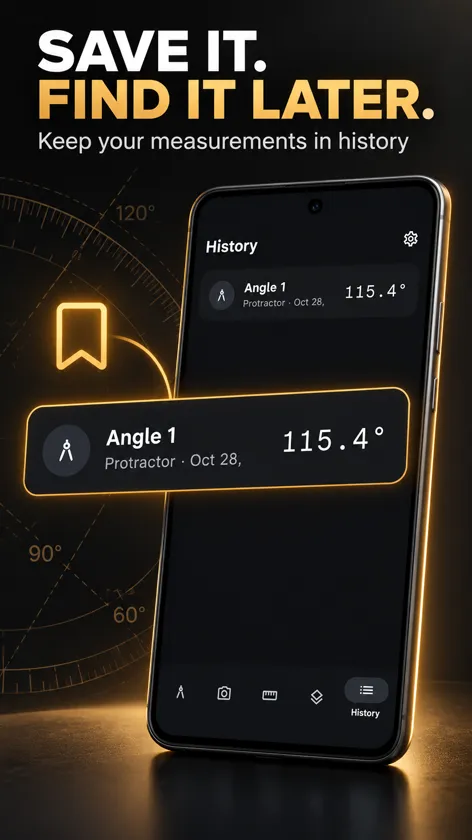
Hold a reading, set a target angle and feel a buzz when you reach it, and keep measurements in your History with names like "Porch roof" or "Stair stringer".
Features
- On-screen protractor, 180° and 360°, with snapping and 0.1° fine adjust
- Camera angle finder with freeze, magnifier and true horizon line
- Free photo with the angle and date drawn on it
- Level and inclinometer: degrees, percent grade and roof pitch X/12
- Two-step calibration, hold, and a target angle with vibration
- Angle between two surfaces, named History, dark and light mode
Frequently asked questions
How accurate is a phone protractor and level?
Phone motion sensors typically read within about 0.1° to 0.2° once calibrated. Use the two-step calibration in the Level tab: it removes your phone's own sensor error, even if your table is not perfectly level. Wait for the Stable label before reading.
Why does the Level switch between a round bubble and a tube?
Lying flat, the phone measures the surface under it in two directions (round bubble). Standing on an edge, it measures that edge (tube). In Auto it follows how you hold the phone; choose Surface or Edge to keep one.
What does roof pitch X/12 mean?
It is the rise in inches for every 12 inches of horizontal run, the way US roofers describe a slope. A 6/12 roof rises 6 inches every foot, which is 26.6° or a 50% grade.
Does the app record what the camera sees?
No. The camera image is only shown on screen while you measure. A photo is created only when you tap Photo, and it stays on your phone unless you save or share it.
What permissions does the app use?
- Camera (optional): only in the Camera tab, to show what you point at. Nothing is recorded or uploaded unless you save or share a photo.
- Vibration: a light buzz when snapping to common angles and when you reach your target angle.
You can review or revoke permissions at any time in Settings > Apps > Protractor & Angle Finder > Permissions.
How do I get help?
Email [email protected] with your phone model and a short description of the problem. We read every message.