
AI Detector Plagiarism Checker
Know if it was written by AI, and make your own writing sound like you.
What it does
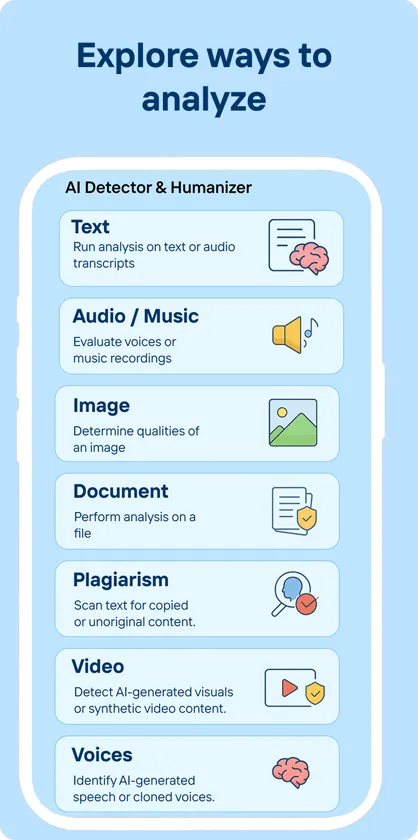
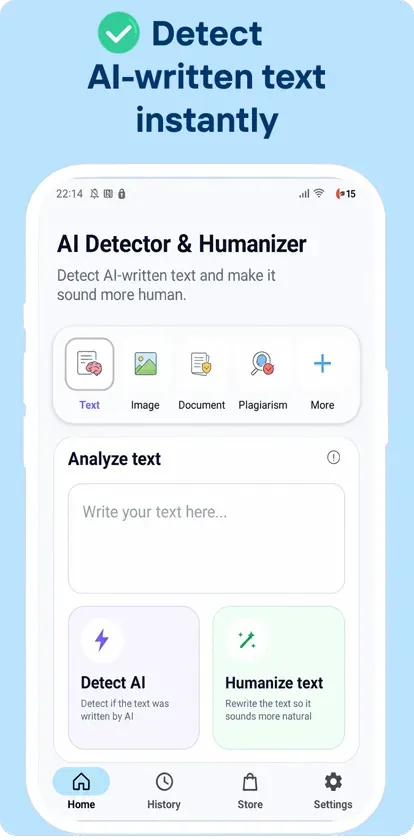
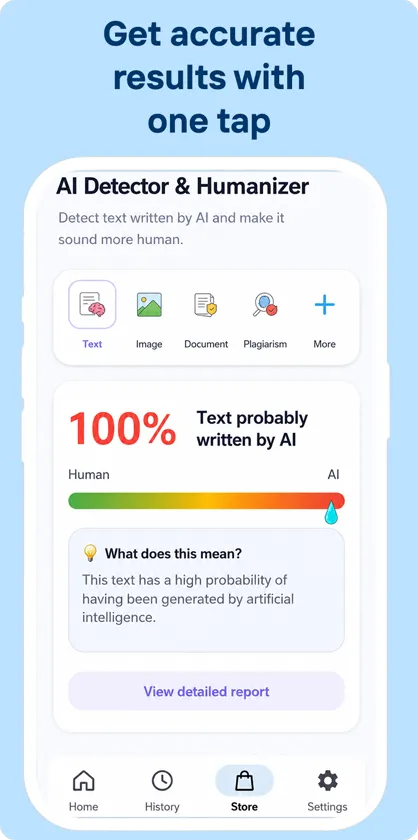
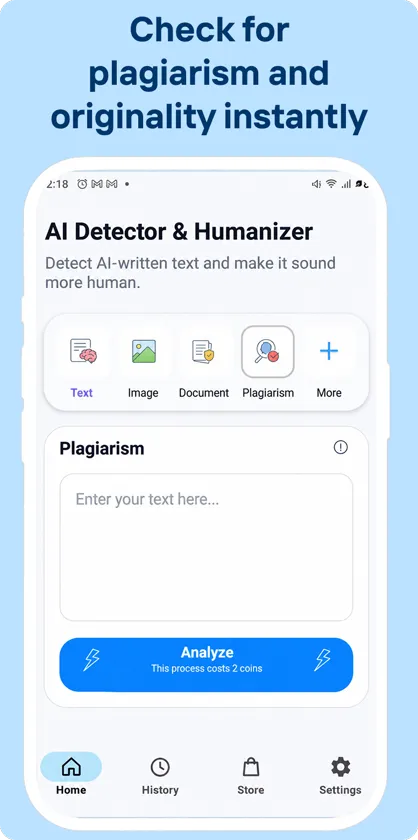
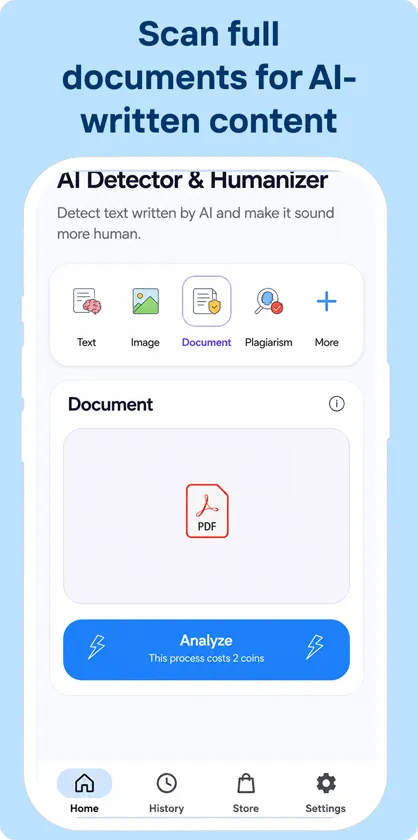
AI Detector Plagiarism Checker tells you how likely it is that a text was written by an AI model such as ChatGPT, Claude or Gemini. Paste text or upload a document and the app highlights machine-like patterns, and its plagiarism scanner looks for passages that match other sources.
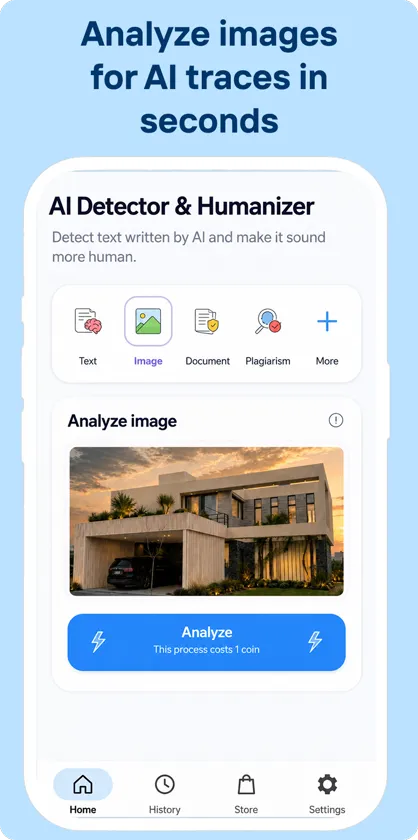
You can also check whether an image was AI-generated, and rewrite stiff or robotic text with a more natural tone. With the optional floating assistant, you can check and rewrite text from any app without switching screens.
Detection is based on probabilities, so results are a strong signal rather than proof. Free daily scans are included, and optional credits unlock unlimited use.
Features
- AI text detection for essays, articles and emails
- Plagiarism scanner that flags matching passages
- Paste text or upload documents such as PDF and DOC
- AI image detection
- Rewrite text with a more natural, human tone
- Optional floating assistant to analyze text in any app
Frequently asked questions
Can an AI detector be 100% sure?
No detector can. The score shows how closely the text matches patterns typical of AI writing. Use it as one signal together with your own judgment, especially before making decisions about someone else's work.
Is my text stored or shared?
Your text is processed only to produce your result. It is never sold or shared with third parties.
Is the app free?
Yes, it includes free daily scans. Optional credits can be bought in the app for unlimited use and the floating assistant.
What permissions does the app use?
- Accessibility service (optional): powers the floating assistant: it reads only the text you select or view to analyze or rewrite it at your request. It is off by default.
- Files and photos: used only when you choose a document or image to check.
You can review or revoke permissions at any time in Settings > Apps > AI Detector Plagiarism Checker > Permissions.
How do I get help?
Email [email protected] with your phone model and a short description of the problem. We read every message.