Human Design Chart & Transits
Your bodygraph, type and daily transits, explained in plain language.
What it does
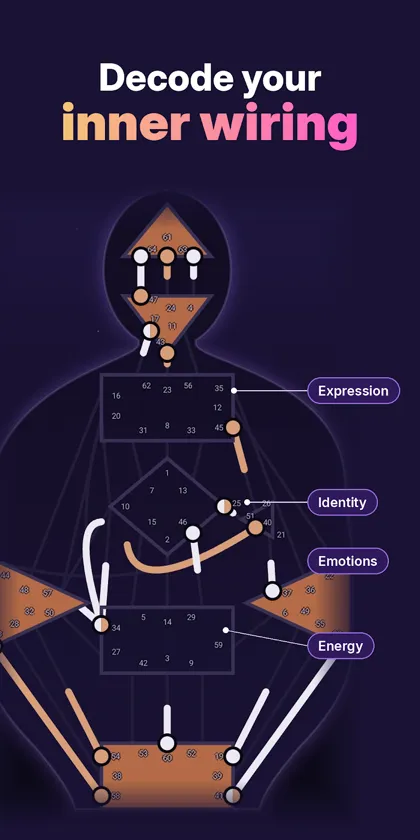
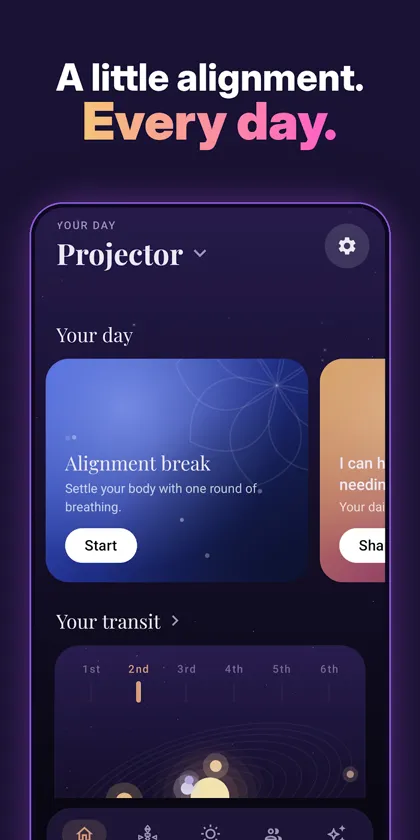
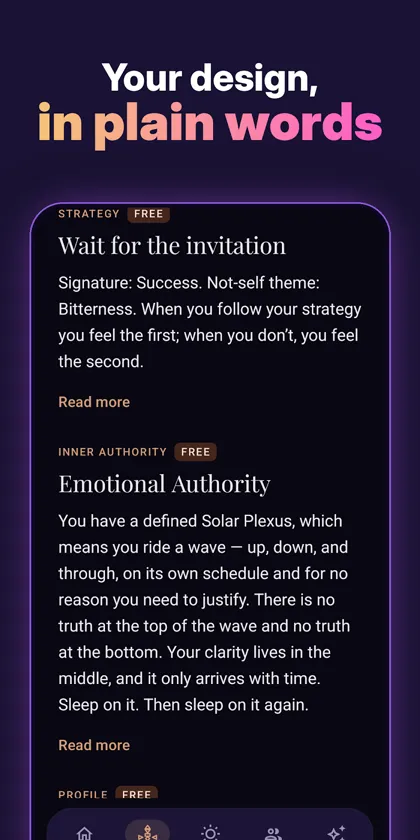
Human Design Chart & Transits calculates your Human Design chart from your birth date, time and place and explains it in clear, friendly language: your energy type, strategy, inner authority, profile, and your defined and open centers, channels and gates.
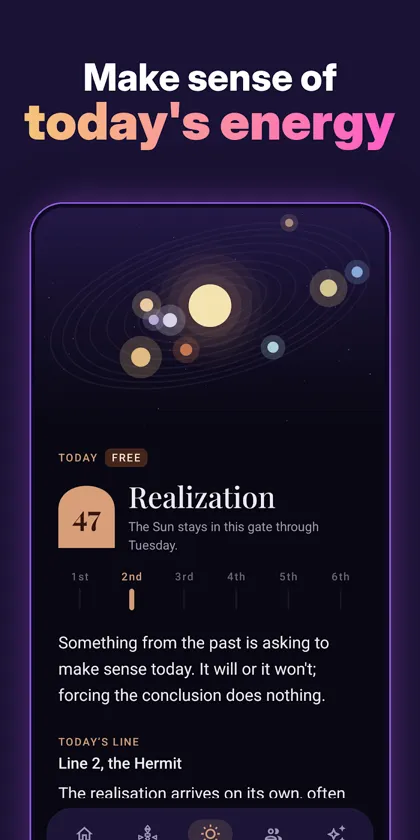
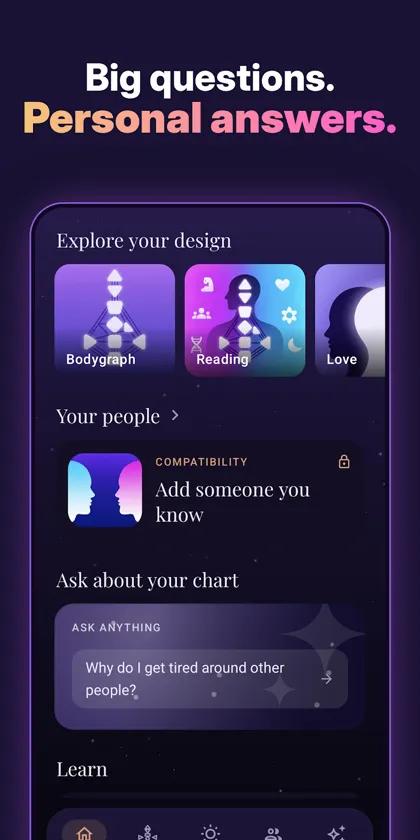
Every day a personal transit reading shows which gates the planets are activating in your chart. Add a partner, friends or family to compare designs, ask questions about your chart with AI readings, and learn the system step by step with short guides.
Your chart, type, strategy, authority and profile are free. Premium adds in-depth readings of every center, channel and gate and unlimited compatibility charts.
Features
- Free bodygraph chart with type, strategy, authority and profile
- Daily personalized transit reading
- Compatibility charts for partners, friends and family
- AI readings about your own chart
- Step-by-step guides to centers, gates and channels
- Dark mode, offline chart access and PDF export
Frequently asked questions
Do I need my exact birth time?
An exact time gives the most accurate chart, because some gates and your profile can change within a few hours. If you only know an approximate time, the app still builds your chart, but some details may differ.
Is Human Design scientific?
No. Human Design is a self-reflection system that combines ideas from astrology, the I Ching, the chakras and Kabbalah. The app is meant for personal insight and entertainment, not as professional or medical advice.
What permissions does the app use?
- Notifications (optional): sends your daily transit reading.
You can review or revoke permissions at any time in Settings > Apps > Human Design Chart & Transits > Permissions.
How do I get help?
Email [email protected] with your phone model and a short description of the problem. We read every message.